
Skip to main content Scroll Top

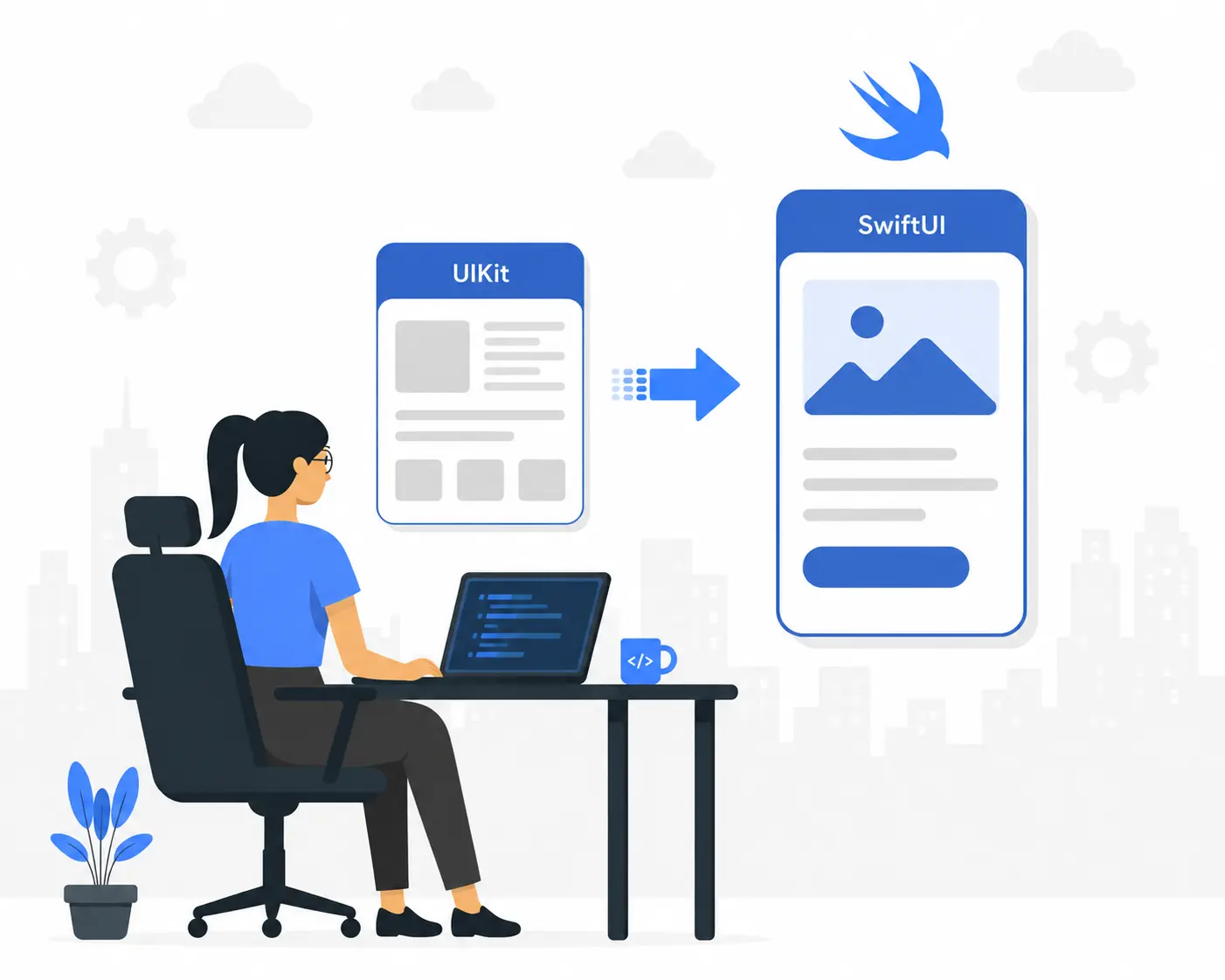
Migrating from UIKit to SwiftUI
left_bg_new
right_bg_new
Why Enterprise iOS Teams Are Rethinking UIKit
For over a decade, UIKit has been the backbone of enterprise iOS development: battle-tested, deeply documented, and running virtually every major iOS application in production today. But something has shifted. Engineering directors are fielding more conversations about SwiftUI. Mobile architects are prototyping new features declaratively. CTOs are asking whether their UIKit-heavy codebases are becoming a liability.
This shift is not driven by hype. It is driven by economics.
Large enterprise UIKit codebases, some stretching hundreds of thousands of lines, are becoming increasingly expensive to maintain, difficult to onboard into, and slow to iterate on. Meanwhile, SwiftUI has matured significantly since its 2019 introduction. With iOS 16, 17, and 18 delivering meaningful stability and new capabilities, Apple has made its strategic direction unmistakably clear.
SwiftUI is not a side project. It is Apple's primary investment in the future of platform UI development.
This guide is written for the teams responsible for making the migration decision, providing a clear-eyed view of the risks, rewards, and practical roadmap for migrating from UIKit to SwiftUI at enterprise scale.
migrating-UIKit-to-swiftUI-vector-02

Why UIKit Is Becoming Difficult to Scale

The Massive View Controller Problem
UIKit was designed for an era of single-screen, imperative UI logic. As applications grew in complexity, teams adopted MVC, MVVM, VIPER, and Clean Architecture to manage this; however, the framework still encourages view controllers to balloon into tightly-coupled monoliths.
This "Massive View Controller" issue hits hard in companies. You see one huge file packed with UI and biz logic, impossible to test apart from the rest. Also, modifying UI states carefully becomes a chore. Animations demand explicit setups. Data bindings need outside tools or personal scripts. So, you wind up with bits of code from varied dev choices that don't mesh well. This all piles on mental workload and slows progress.
Technical Debt Accumulation
Because UIKit is inherently imperative, every feature addition requires careful manual coordination of UI state. Animations need explicit start and end states. Data binding requires third-party libraries (RxSwift, Combine) or hand-rolled observation patterns. Each decision, made by different developers over multiple years, leaves behind a patchwork of approaches that increases cognitive overhead with every sprint.
Key Enterprise Pain Points

Build a swiftUI app on iOS & macOS with XCODE

The main idea behind swiftUI is that the UI of an app can be described very differently due to its declarative nature. Instead of giving instructions on how to draw the UI (like interface builder), developers will describe how the UI will be represented given a particular state. In other words, we are telling the system (swiftUI framework) how the view should be represented at a particular time.
With this change a large amount of bugs (e.g. Sync problems between data model and UI state) should be eliminated from an application. On the other hand swiftUI is also supposed to overcome a lot of the problems we know with interface builder thus creating a much more pleasant and higher quality developer experience.
Developer productivity increases:
seeing changes immediately (including navigation and widgets) means that developers won't have to rebuild and restart the application for every UI change, dramatically increasing speed of iteration. By and large you can save so much development time in UI development compared to the amount of training and retooling the work force needs, that many companies have reported productivity gains in UI development between 20% and 40% after reaching proficiency with swiftUI.
Less boilerplate code: (A standard profile page in UIKit will take approximately 200 lines of code, whereas a similar page would be about 50 in swiftUI) Improved testability: pure state models can be more easily unit tested than view controllers Reduced review time: much less code needs to be reviewed

Incremental Migration or a full rewrite

The first strategic decision enterprises need to make is whether they want to do an incremental migration or a full rewrite. The decision appears to be quite evident for most enterprises:
DimensionIncremental MigrationFull Rewrite
CostLower, with costs distributed across sprintsHigher, requiring a large upfront investment
Timeline8–20 months12–30 months (high uncertainty)
RiskLow, as the existing app stays liveHigh, due to complexity of parallel development
Learning CurveGradual, allowing the team to ramp up on low-stakes screensSteep, requiring the full team to be ready at launch
Business ContinuityHigh, with features shipping throughout the migrationLow, as feature velocity drops during rewrite
MaintenanceModerate complexity during hybrid phaseClean post-launch, high risk during rewrite

Reasons for enterprise being inclined towards incremental migration

The business case for enterprises is quite obvious: a full rewrite introduces a significant amount of execution risk; as most of us have seen or heard of, there is a great deal of stories out there about rewrite projects which are twice the duration and cost, and have shipped even less features than the application they were designed to replace.

An incremental migration can go on delivering business value, and at the same time gradually reducing the amount of technical debt. New screens and features may be built using the newer SwiftUI, while old, less critical screens may continue to be developed on UIKit. The codebase is gradually moved to SwiftUI without the big, “big-bang” cut over.

A hybrid UIKit and SwiftUI Architecture.

The strongest realisation when you enter into enterprise would be that both UIKit and SwiftUI were built to co-exist. This means that we have abridging APIs provided to you from Apple and enables you to create hybrid architectures.
Bridging APIs:

UIHostingController – this is a concrete class inheriting from UIViewController and enables us to host SwiftUI views within UIKit view.

UIViewControllerRepresentable – a wrapper protocol that allows to embed an instance of UIKit view controllers inside your SwiftUI view hierarchy ( i.e MKMapView, AVPlayerViewController, custom camera controller)

UIViewRepresentable – a wrapper protocol that allows embedding an instance of a UIKit view inside your SwiftUI view hierarchy. Small atomic portion where a mixture of UIKit and SwiftUI can exist.
A pragmatic hybrid architecture would likely use the screen as a unit of migration, the Application will use UIKit for standard navigation architecture (UITabBarController or UINavigationController). While individual screens would be converted into SwiftUI and hosted within the UIKit architecture as an instance of UIHostingController.
Inter-framework communication:
Extreme care should be taken when sharing the state between UIKit and SwiftUI framework. An enterprise standard would be to build a shared State object that conforms to ObservableObject and host it as property through the UIHostingController initializer. The State object can then be mutated from the UIKit properties.

State Management Challenges During Migration

State management is where most enterprise teams encounter their steepest learning curve. SwiftUI's property wrappers are powerful but require a clear mental model to use correctly.
SwiftUI State Primitives

@State

private, view-local state. Use for toggles, text fields, selection. Never for shared or persisted data.

@Binding

two-way connection to parent state. Does not own data; creates a reference. Misuse is a frequent source of bugs.

@ObservedObject

observes an external ObservableObject. Does not control object lifecycle.

@StateObject

creates and owns an ObservableObject. Persists across view refreshes. Correct choice for view-owned models.

@EnvironmentObject

injects shared state through the hierarchy. Ideal for app-wide concerns (auth state, theme, feature flags).

Common Migration Mistakes

The most frequent mistake in enterprise migrations is over-relying on @EnvironmentObject as a substitute for proper dependency injection, thereby replicating the global singleton pattern from UIKit and creating views that are difficult to test and preview in isolation.

A second common mistake is using @State for data that belongs in a view model, scattering business logic across view bodies and preventing unit testing of that logic.

Enterprise-Scale State Management Pattern

A layered approach works well at scale: views own ephemeral UI state via @State; feature-level state lives in @StateObject-owned view models; application-level state is managed through a small number of well-defined @EnvironmentObject dependencies injected at the root.

Performance considerations enterprise teams should know

View rendering and Equality Checks
SwiftUI diffs view bodies to re-render views. When the state is updated, SwiftUI re-evaluates the bodies of any views that depend on that state. If views with top-level state change trigger unnecessary re-evaluation of large parts of the view hierarchy, this will have noticeable frame rate issues. Keep state local where possible, take advantage of the Equatable protocol for subviews to short-circuit redundant view bodies, and decompose views into smaller constituent views.
Large Lists and Performance
Lists in SwiftUI are well optimised for scrollable data, use lists in preference to LazyVStack when dealing with long lists, as lists have cell re-use and prefetching comparable to a UITableview. For lists much longer than hundreds of cells, profile carefully, as a UICollectionView wrapped in a UIViewRepresentable might still offer the best performance.
Profiling with Instruments
The SwiftUI instrument in Xcode gives you a good idea of how frequently each view body is re-evaluated. Any enterprise team building apps on SwiftUI should be adding a standard SwiftUI performance test pass into the quality assurance cycle before each major release. Make sure to take an early, baseline performance test on a migrated view, and compare that to all subsequent test releases.

Integrate Swift Concurrency into Your Migration Strategy

A migration to SwiftUI is also the opportune time to update your concurrency model. Structured concurrency (async/await, actors, and MainActor) has a built-in relationship with SwiftUI, and it fixes an entire category of threading errors that have caused headaches for iOS developers for years.
Replacing Callback-Based Networking
Updating from completions to async/await reduces code to half its previous length while entirely avoiding entire categories of bugs that result from forgetting to return, or incorrect dispatch queue management. An entire 25+ line networking call can be reduced to 4-6 lines.
Using Actors for Thread Safety
An Actor in Swift compile-time guarantees isolation of its mutable state. If you make a class an Actor, you cannot directly read or write its mutable state without explicitly using await; a potential runtime error is instead transformed into a compile-time error.
SwiftUI Integration with MainActor
Annotation of a view model class with @MainActor is guaranteed to only allow updates to UI state on the main thread, and removes the need for an explicit DispatchQueue.main.async anywhere in the codebase.
Enterprise advantages:

Production learnings from enterprise SwiftUI migrations

These learnings come from patterns that arise reliably in the production SwiftUI migration space at enterprise scale:

Lesson 1

Begin with low-risk features

The first SwiftUI screen an enterprise team takes production with, should never be their most complex screen. Think onboarding, settings, content screens; they give the team space to build fluency in SwiftUI without the pressure of being in the live system.

Lesson 2

Don't rewrite stable modules

If a given UIKit screen has lived in production for many years with few to no bug reports, and is not undergoing a feature update, don't rewrite it in SwiftUI. Risk vs Reward suggests there's no need to spend time on re-writing stable, functional code; only rewrite code that is being actively developed or that has had significant technical debt accrue on it.

Lesson 3

Prioritize architecture up front

An enterprise team without clear architectural conventions, will accrue SwiftUI technical debt at the same pace as UIKit technical debt. Before scaling your migration work, make sure you've documented and understood how you want to structure view models, manage state, handle dependency injection, and navigate your app.

Lesson 4

Train teams first

You'll need to give engineers time to learn how to develop in SwiftUI; particularly for engineers deeply invested in UIKit they will need time to adjust to the declarative paradigm and state ownership semantics. Make sure to create a formal training curriculum before pushing large-scale work out to all of your engineers.

Lesson 5

Continuously measure performance

The performance profile of SwiftUI can vary wildly from one iOS version to another, and even by how complex the view hierarchy is. Automated UI tests that measure frame rate and memory allocation on key user flows are likely a good investment for any enterprise application.
Conclusion: The SwiftUI Migration is Modernization
A migration from UIKit to SwiftUI is less of a framework upgrade and more of an organizational commitment to the future of your mobile platform. The enterprise teams that undertake this migration intelligently, with phased migrations, hybrid approaches that protect business as usual, and an embrace of Swift concurrency across the stack, will be left with codebases that are faster to build, simpler to maintain, and much better equipped to leverage new platform features on day one.The question is less "if" we should migrate, but "how" we can do it with the discipline required for an enterprise application. Start small, invest in architecture, train teams, measure constantly, and remember that the path to a modern iOS platform is built one screen at a time.
Share Article
Share Article